
Computer Graphic LWP4.5 - Google Play
You'll be able to see results in few seconds.
Publisher Description

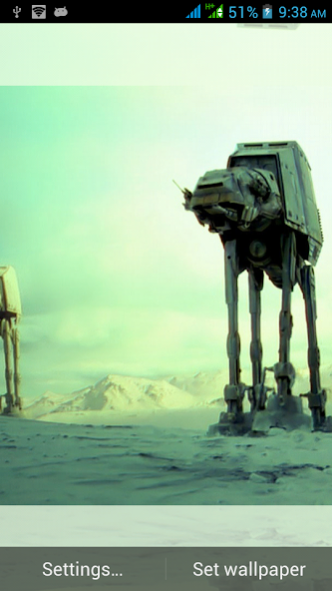
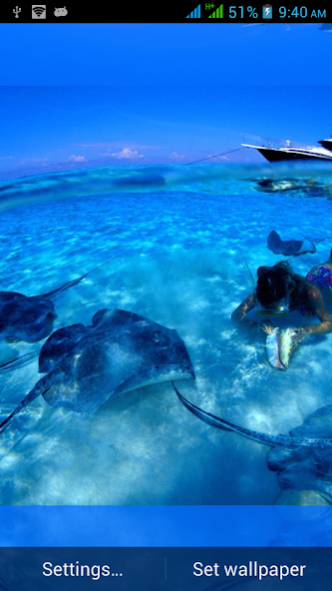

Make your smart phone or tablet alive with hundreds of multiscreen Computer Graphic LWP.
App is free with HD Computer Graphic LWP. Do not drain extra battery in both active and inactive conditions i.e. optimized batter y usage. View images either from application own album as stunning wallpapers, or can select pictures from photo gallery, or from any folder on your SD card.
It changes wallpapers automatically using default time interval of one hour or want to change it immediately by double tap on any screen. LWP provides different effects like zooming in/out, fade in/out, slide an image, wipe, 3d rotation etc.
Computer Graphic LWP support both horizontal and vertical orientation with great effects on your smart phone or tablet.
Instructions for installation:
Home>Menu>Wallpaper>Live Wallpaper>Computer Graphic LWP or Press and hold home button (screen) Live wallpapers and Computer Graphic LWP, or from settings (create and open shortcut to Computer Graphic LWP).
App Settings:
Common settings: - Select picture source to display pictures (picture source can be internal wallpaper present in live wallpapers app, or select from album or picture folder or even select a single picture). Change the background color of the screen (it can be red, green, blue etc. or auto detect color), crop or resize pictures to fit screen size or fit to full screen, decrease image saturation (from 100 to 10 %), or decrease opacity of the image.
Individual settings: - Individual settings is for a specified screen e.g. Select screen number and change its settings i.e. its picture source or background color or resize the wallpaper of the specified screen, its opacity etc. etc.
Lock screen settings: - Change the lock screen settings with different provided settings, i.e. picture source, background color, image resize ratio, image saturation and opacity etc.
Transition type settings: - When switching screen you can change its animation to 3d, swing, wipe, etc. etc. zoom and slide is automatically selected.
Picture Interval settings: - Change the pictures interval automatically one hour is selected.
Advanced Settings: - Even advanced settings can be performed includes, work around for some home applications, maximum memory usage and image color depth.
Some about Abstract and 3D:
Abstraction indicates a departure from reality in depiction of imagery in art. This departure from accurate representation can be slight, partial, or complete. Abstraction exists along a continuum. Even art that aims for verisimilitude of the highest degree can be said to be abstract, at least theoretically, since perfect representation is likely to be exceedingly elusive. Artwork, which takes liberties, altering for instance color and form in ways that are conspicuous, can be said to be partially abstract. Total abstraction bears no trace of any reference to anything recognizable. In geometric abstraction, for instance, one is unlikely to find references to naturalistic entities. Figurative art and total abstraction are almost mutually exclusive. But figurative and representational (or realistic) art often contains partial abstraction.
Three art movements, which contributed to the development of abstract art, were Romanticism, Impressionism and Expressionism. Artistic independence for artists was advanced during the 19th century. Patronage from the church diminished and private patronage from the public became more capable of providing a livelihood for artists.
For further developments and for developer support app includes ads, so bear it patiently. If you have any complaint or suggestion we welcome your feedback on irfanpatandec84@gmail.com
Thanks for your installation.
About Computer Graphic LWP
The company that develops Computer Graphic LWP is Live Wallpapers Ltd.. The latest version released by its developer is 4.5.
To install Computer Graphic LWP on your Android device, just click the green Continue To App button above to start the installation process. The app is listed on our website since 2016-03-14 and was downloaded 0 times. We have already checked if the download link is safe, however for your own protection we recommend that you scan the downloaded app with your antivirus. Your antivirus may detect the Computer Graphic LWP as malware as malware if the download link to com.livewallpapersltd.computergraphidlivewallpapers is broken.
How to install Computer Graphic LWP on your Android device:
- Click on the Continue To App button on our website. This will redirect you to Google Play.
- Once the Computer Graphic LWP is shown in the Google Play listing of your Android device, you can start its download and installation. Tap on the Install button located below the search bar and to the right of the app icon.
- A pop-up window with the permissions required by Computer Graphic LWP will be shown. Click on Accept to continue the process.
- Computer Graphic LWP will be downloaded onto your device, displaying a progress. Once the download completes, the installation will start and you'll get a notification after the installation is finished.
Program Details
System requirements
Download information
Pricing
Version History
version 4.5
posted on 2016-03-15
New wallpapers are added.
Disclaimer
Official Google Play Link
We do not host Computer Graphic LWP on our servers. We did not scan it for viruses, adware, spyware or other type of malware. This app is hosted by Google and passed their terms and conditions to be listed there. We recommend caution when installing it.
The Google Play link for Computer Graphic LWP is provided to you by apps112.com without any warranties, representations or guarantees of any kind, so access it at your own risk.
If you have questions regarding this particular app contact the publisher directly. For questions about the functionalities of apps112.com contact us.
